Network Status Example
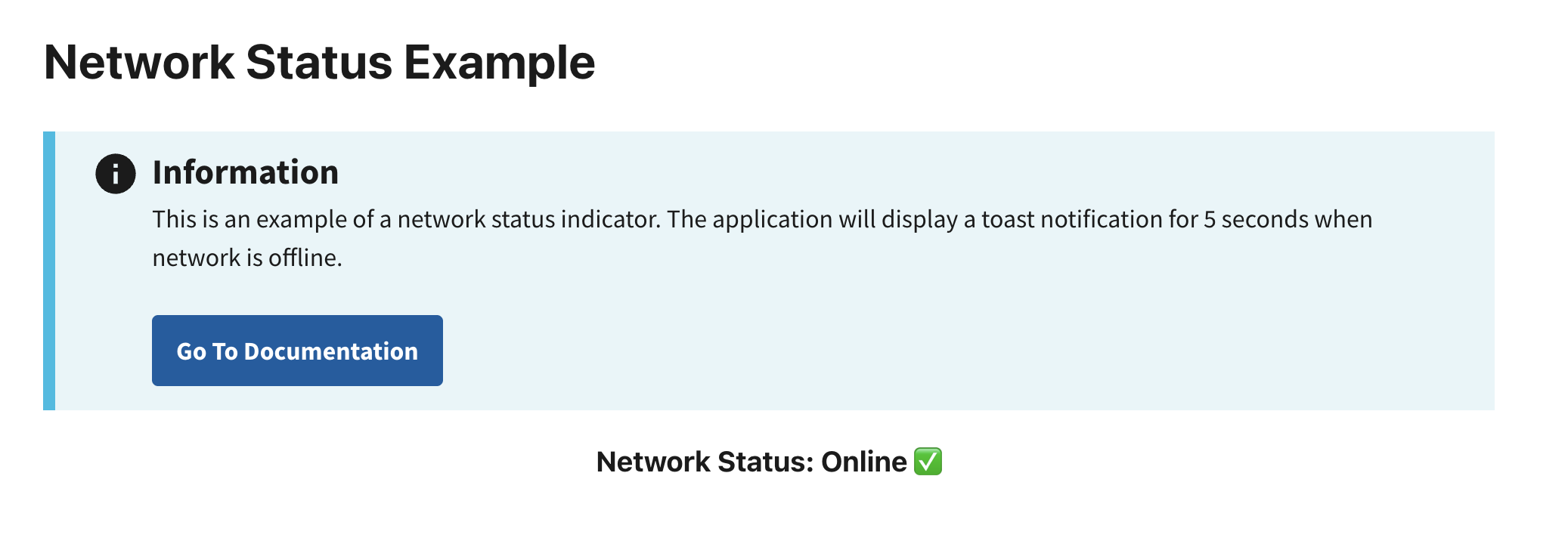
This example demonstrates how to detect a user's network connectivity. If the user is offline, the built-in status indicator will display Offline ❌. If online, it will show Online ✅.
The useOfflineStatus hook provides an isOffline utility that detects the user's network connectivity. It uses the navigator browser API. Refer to the MDN Navigator Docs for limitations.
Preview
This example will render as shown in this screenshot:
Steps
1. Import Required Dependencies
Import the following libraries in the App.jsx file:
import React, { useEffect } from "react";
import { useOfflineStatus } from "@nmfs-ocio/react-radfish";
import { Alert } from "@trussworks/react-uswds";
2. Use useOfflineStatus to Access Network State
Within the HomePage component, use useOfflineStatus to retrieve the isOffline property, which indicates whether the application is currently offline:
const HomePage = () => {
    const { isOffline } = useOfflineStatus();  // Retrieve the isOffline state

    return (
        <div className="grid-container">
            <h1>Network Status Example</h1>
            <h3 className="header-body">Network Status: {isOffline ? "Offline ❌" : "Online ✅"}</h3>
        </div>
    );
};